Visualize Your
New Floor
Upload a photo of your room. Pick a flooring sample. See exactly how it'll look in your home before you commit. Free, no signup, takes about 2 minutes.
How It Works
Three steps. Two minutes. No tricky setup.
Snap your room
Take a photo of the room you want new flooring in. Wide-angle, well-lit.
Pick a floor
Browse our in-stock flooring samples by colour, look, or category.
See the result
Our visualizer maps the floor onto your photo so you see exactly how it'll look.
Open the Visualizer
Click the assistant icon in the bottom-right corner of any page to launch the Roomvo visualizer. Upload your photo and start designing.
Visualizer powered by Roomvo
The visualizer is loaded on every page on this site. Look for the floating assistant icon in the bottom-right corner and tap to start visualizing.
Look for the floating chat icon in the bottom-right corner of any page on this site.
After You Visualize
Take samples home
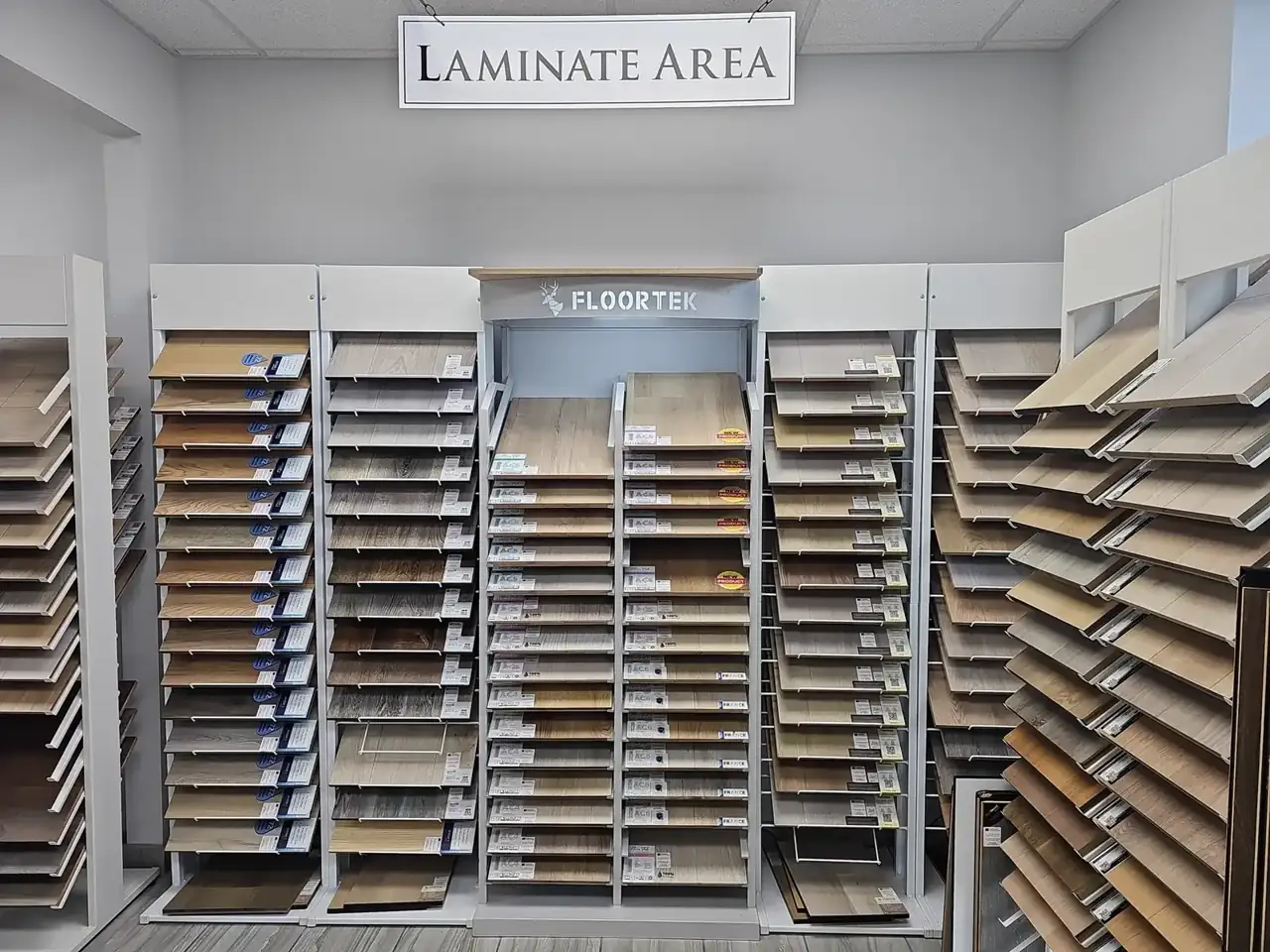
Visit our McCurdy Place showroom to take physical samples home overnight. See how the floor looks in your real lighting at different times of day.
Visit ShowroomBook a free estimate
Once you've narrowed it down, we come to you, measure, and quote everything: material, install, removal, transitions.
Book EstimateNeed help picking?
Our team can help you narrow down options on a phone call or in our showroom.